

CyboPal ONE is a 27-inch 4K display on a robotic body that turns, tilts, and repositions to follow your work. You control it by voice, its AI runs on-device, and it plugs into your existing computer over USB-C or HDMI. It is not a standalone PC.


Deliverables
What you'll make
One dedicated video. Add Shorts if you want more reach.


Required
YouTube dedicated video
At least 5 minutes
Tell a story through a real workflow
Show a clear action, the terminal's response, and the task continuing


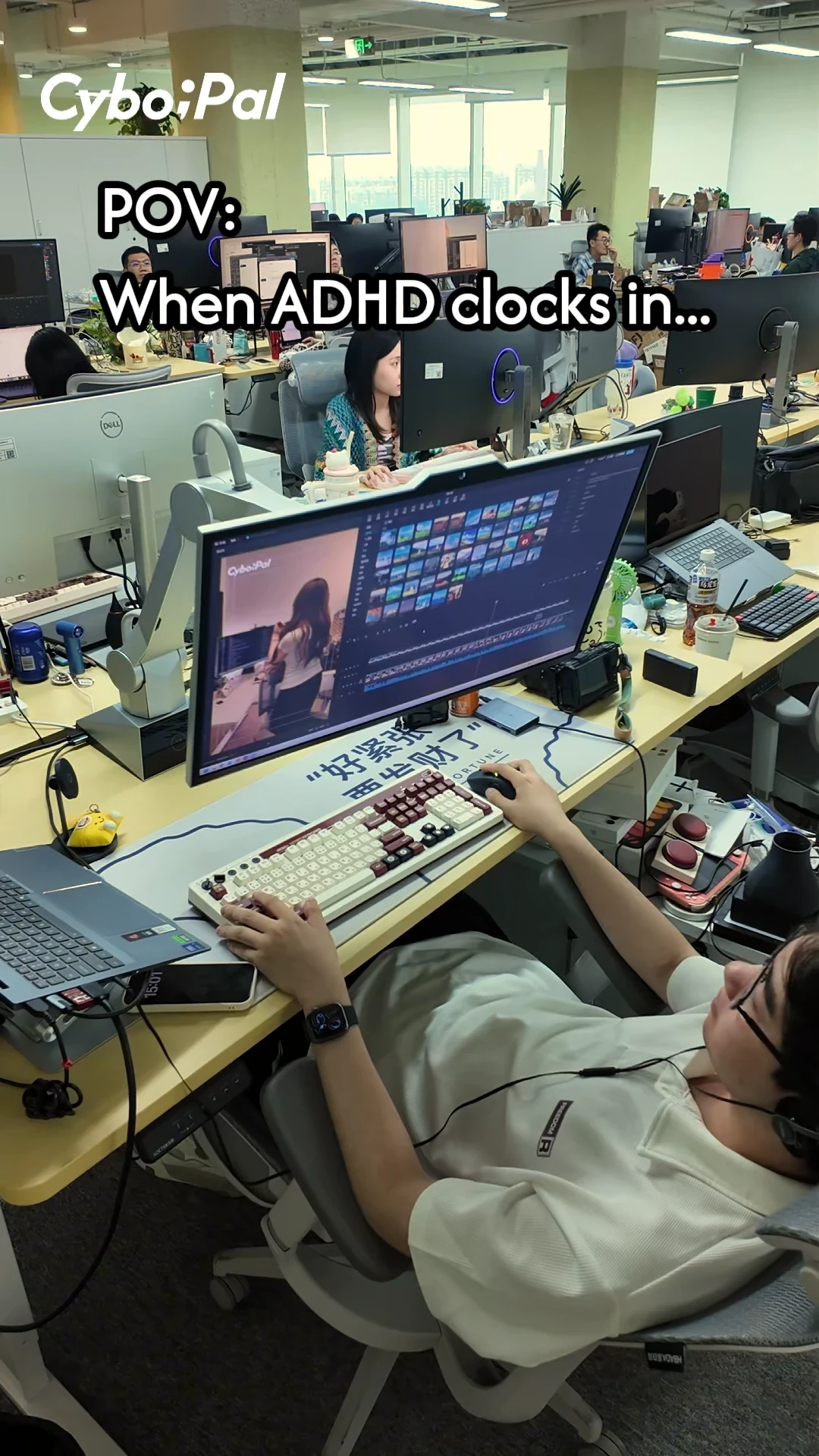
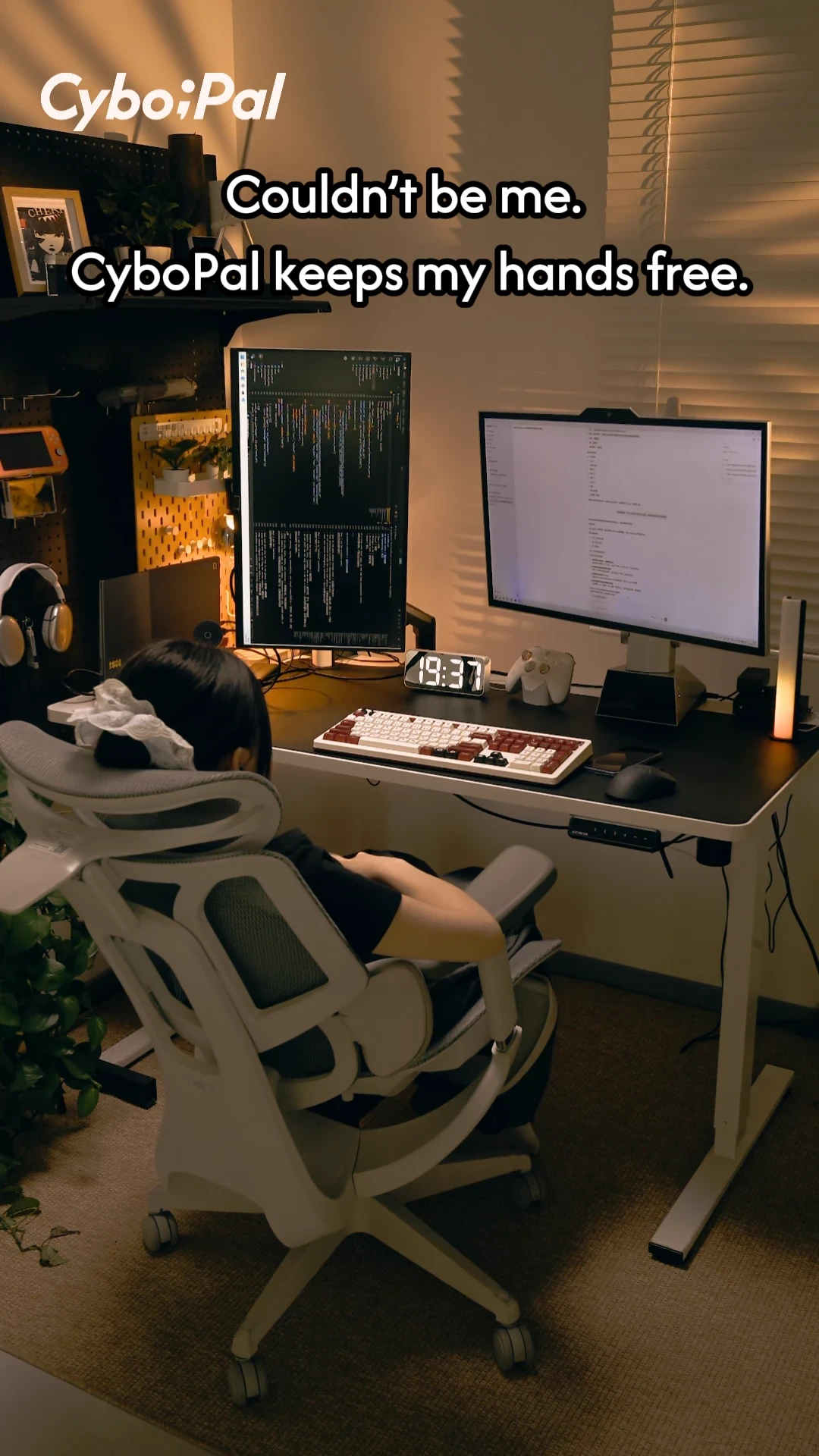

Optional
Dedicated Shorts-form
Short-form for Youtube, Instagram, and Tiktok
90 to 120 seconds each
Same story, cut for short-form



Key Features
Features to Highlight in Your Video
The CyboPal ONE features worth calling out.
Track Once
Voice Control
Screen Rotate
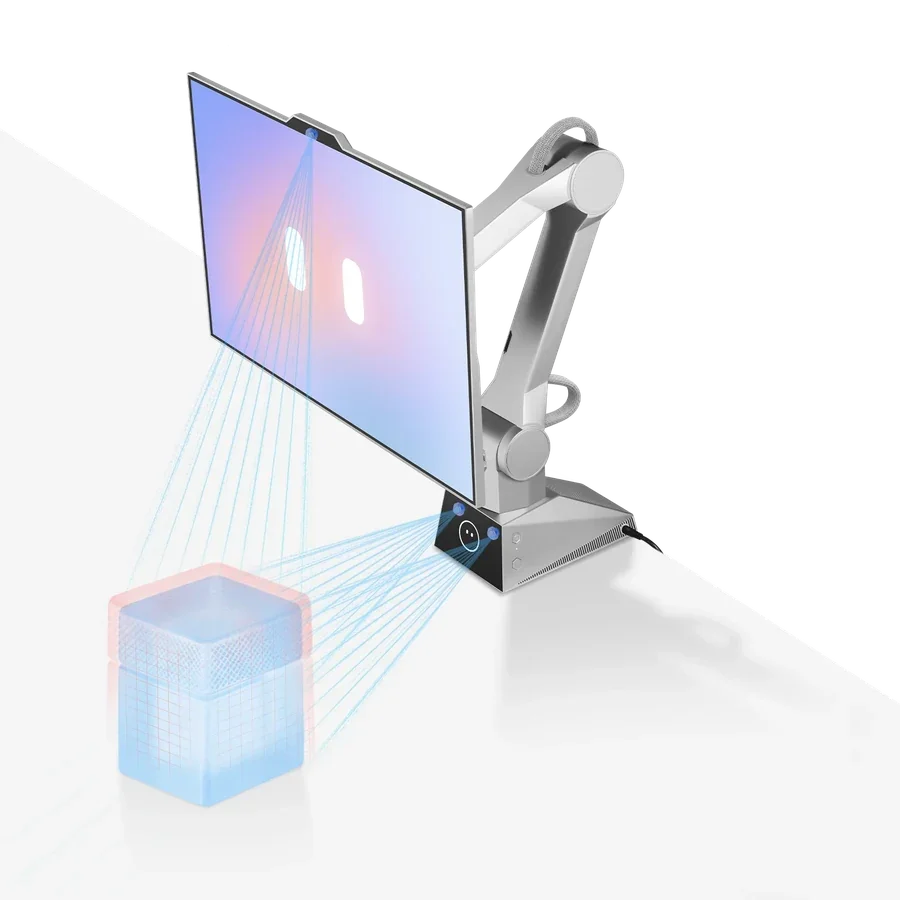
Safety Protection
Previous High-Performing Content
Three examples to model your video on.
Do's and Don'ts
Follow these while you film.


Do
Tell a story through a real workflow.
Show a clear user action, CyboPal ONE’s response and the task continuing.
Highlight Track Once, Voice Control, Screen Rotate and Safety Protection.
Use approved product names and the Desktop Robotic Terminal positioning.
Keep movement, privacy and control clearly in the user’s hands.
Use the final CTA, campaign links and messaging.
Follow the latest operating instructions and clearly distinguish a prototype or pre-production unit from the final retail version.

Don't
Do not present movement only for visual effect without a real task.
Do not describe CyboPal ONE as a conventional display, monitor arm, AI monitor or robotic monitor.
Do not substitute your own CTA links or wording.
Do not promise unapproved launch dates, shipping dates, final pricing or operating-system compatibility timelines.
Do not describe a prototype or pre-production unit as the final retail version without explicit confirmation.
Do not present planned, experimental or future features as currently available.
The Campaign Window
One month to shoot and publish.
Start
Deadline
Is CyboPal ONE an all-in-one computer?
No. It is a Desktop Robotic Terminal that connects to your existing computer over USB-C or HDMI. It is not a standalone PC, so you keep your current setup.
Does it work without internet?
Core functions like tracking, gestures, presets, and mode switching work offline. Voice-to-text and updates need internet. On-device processing keeps your data local either way.
Can I swap the screen for a different one?
No. The screen is purpose-built and permanently integrated with the robotic arm, which keeps the motion safe, balanced, and calibrated out of the box.
What do I have to deliver?
One dedicated YouTube video of at least 5 minutes. Dedicated Shorts for YouTube, TikTok, or Instagram (90 to 120 seconds) are optional.
When is everything due?
Filming opens September 30. Every post has to be published and live before October 30, 2026.
What do I need to include in my post?
Put the CyboPal ONE Kickstarter link in your caption, bio, or Linktree. Use the campaign's approved links and wording, not your own.
How long does my content stay up, and how can the brand use it?
Two things to know. First, every post you publish has to stay live and public on your profile for at least 12 months. During that year you cannot delete, hide, archive, or temporarily unpublish it. Second, the brand gets 30 days of paid and organic usage rights on approved content, starting the day you publish. That covers use across the brand's own owned and paid media channels during those 30 days.
What should I call the product in my video?
Call it a Desktop Robotic Terminal, the name CyboPal uses. Please do not call it a display, monitor, monitor arm, AI monitor, or robotic monitor.
What should my video show?
A real workflow. Show a clear action, the terminal responding, and the task carrying on. Put Track Once, Voice Control, Screen Rotate, and Safety Protection front and center.
More on CyboPal ONE
Get the full product story, features, and specs on the official site, or see the live campaign on Kickstarter.

Join the Campaign
Interested? Send your media kit and rates over to creators@masterhooks.com.