The UGC Creator's Toolkit Part 1: Best Tools for Ideation and Scripting
The UGC Creator's Toolkit Part 1: Best Tools for Ideation and Scripting
Discover five practical UGC creator tools for trend research, hook ideas, scripting, and content planning before you start filming.
Published:

Read Time:

4 min

Written by:
Fawwaz
Trend Research and Copywriter
WANT TO GET STARTED BUT NOT SURE HOW
You may already know how to record videos and have mastered editing techniques, but you still feel unsure about where to start. You keep asking yourself, “What kind of content is actually right for me to create?”
WANT TO GET STARTED BUT NOT SURE HOW
You may already know how to record videos and have mastered editing techniques, but you still feel unsure about where to start. You keep asking yourself, “What kind of content is actually right for me to create?”
WANT TO GET STARTED BUT NOT SURE HOW
You may already know how to record videos and have mastered editing techniques, but you still feel unsure about where to start. You keep asking yourself, “What kind of content is actually right for me to create?”
This is the most crucial step in starting your journey as a UGC creator:
Finding your niche for the future → Identifying trends → Determining an interesting angle → Designing a hook → Turning it into a script → Keeping track of what needs to be filmed
All of these steps can take longer than the actual shooting process itself.
The good news is, Masterhooks offers a variety of topics you can use as content in several articles that have already been published. Of course, this makes it easier for you to spot trends and learn what’s trending right now.
However, this article won’t focus on that. Instead, it’ll cover something simpler: the good news that developments in technology mean you, as a creator, no longer need a complex array of equipment. Here are five tools that can significantly streamline your pre-production process:
1. TikTok Creative Center
TikTok Creative Center is one of the first places a UGC creator should look before deciding what to make.
It gives you access to trending hashtags, songs, creators, videos, and high-performing TikTok ads. You can also filter trends by industry and time period. TikTok's Top Ads section lets you study high-performing creative and identify moments that appear to be driving engagement.
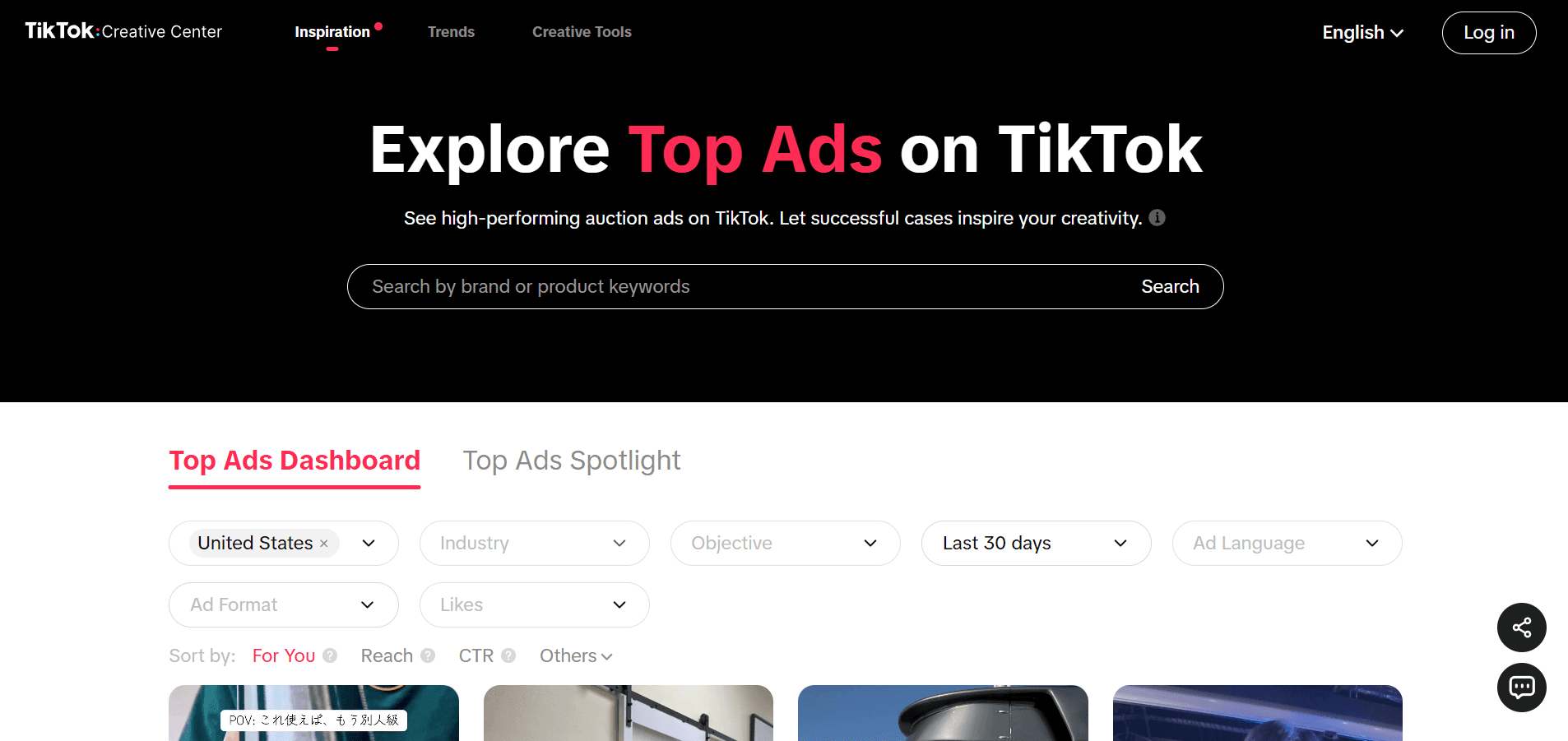
This makes the TikTok Creative Center an ideal platform for you to research trends and find creative inspiration, especially since it’s free to access. The most important aspect of this platform is how you use it to find ideas that align with your niche. Don’t search for ideas in a general way, as this will only overwhelm you with the sheer number of options available.
2. ChatGPT or Claude
ChatGPT and Claude can be useful when you have an idea but can't turn it into a script. These two tools are the best for coming up with hook ideas and drafting the initial version of a script, especially since you can still get great results even when using the free versions.
The key to getting the most out of these tools is to provide detailed context, so they don’t generate copy that sounds stiff and unnatural. You need to provide complete context regarding your target audience, the pain points you want to address, the features of the product you’re discussing, the format you prefer, your usual tone of voice, the actions you want your audience to take, and even the types of hooks you like.
For example:
"Give me 10 TikTok UGC hooks for an AI study app. The audience is college students who procrastinate. Make the hooks sound like something a student would say to a friend. Avoid mentioning the product in the first sentence."
Creator tip
Don’t publish the first draft generated by AI right away. Once you have an idea or a rough draft, you’ll need to make some tweaks to turn it into a final version that feels more human and sounds as natural as your own speaking style.
3. CapCut Script Generator
Most creators know CapCut only as a video editing tool, but not many realize that it also has an AI-powered ad script generator. All you need to do is enter basic information such as the product, brand, and key selling points.
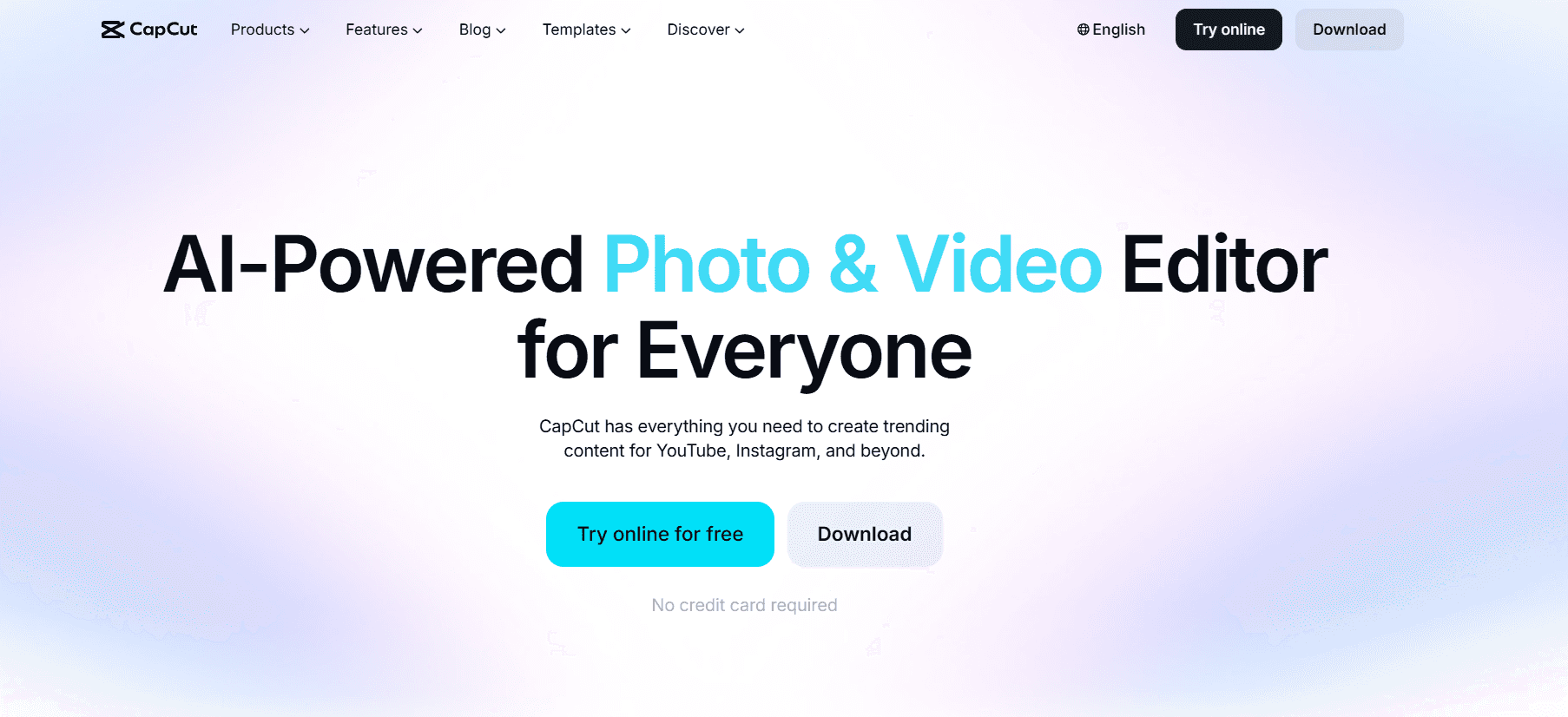
This feature makes CapCut an ideal tool for turning a product summary into a preliminary script draft, and you don’t have to pay to access it. With this feature, you can generate several script options that you can edit before you start recording. CapCut states that this feature can generate five scripts based on your input and allows creators to customize the results as needed. This is especially useful if you already know what you want to sell but aren’t sure how to structure the video.
Here is an example of the data you can enter:
Input
Product: AI meeting note-taking app
Audience: Remote workers
Main benefit: Automatically summarizes meetings
Pain point: Spending 20 minutes writing notes after every call
You can use the scripts produced by CapCut as a starting point, to then change the ones you like most into UGC concepts that are more natural and suit your personality.
4. AnswerThePublic
Sometimes the best UGC hook isn't hiding in another TikTok, but hiding inside a question someone is already asking. To discover real customer problems, you can try to use AnswerThePublic.
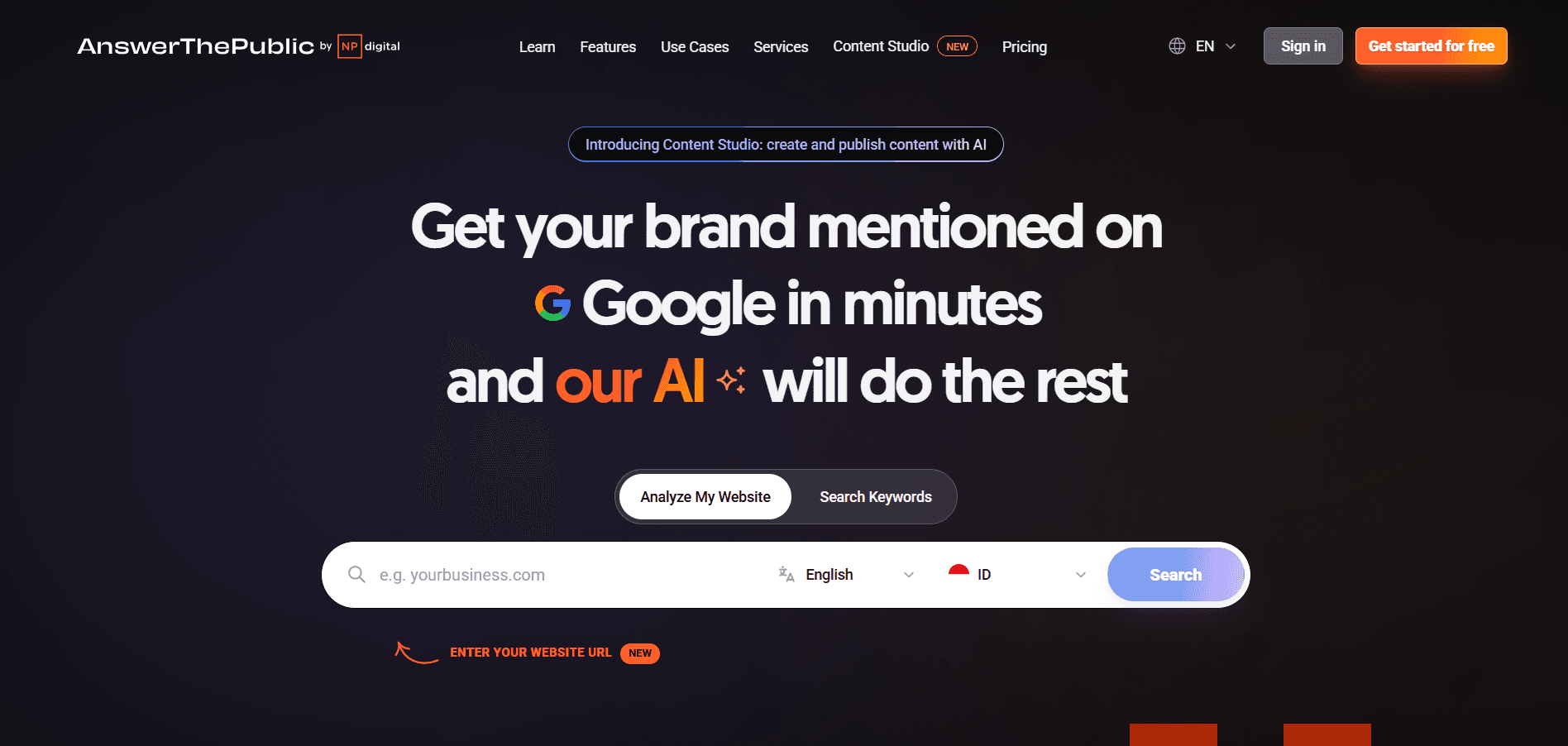
AnswerThePublic turns search behavior into questions, phrases, comparisons, and related topics around a keyword. Its current platform pulls search insights from sources including Google, YouTube, Amazon, TikTok, and Instagram.
Imagine you're creating UGC for a productivity app, then searching with the keyword "productivity app." You might discover questions around:
How to stop procrastinating
How to organize tasks
How to focus while studying
How to manage too many projects
Each of these questions can become a content angle, where you can start your content with the problem the viewer already recognizes.
5. Notion
Once you start working with multiple brands, you don't just run out of ideas anymore, but are prone to losing track on them. That's where Notion becomes useful.
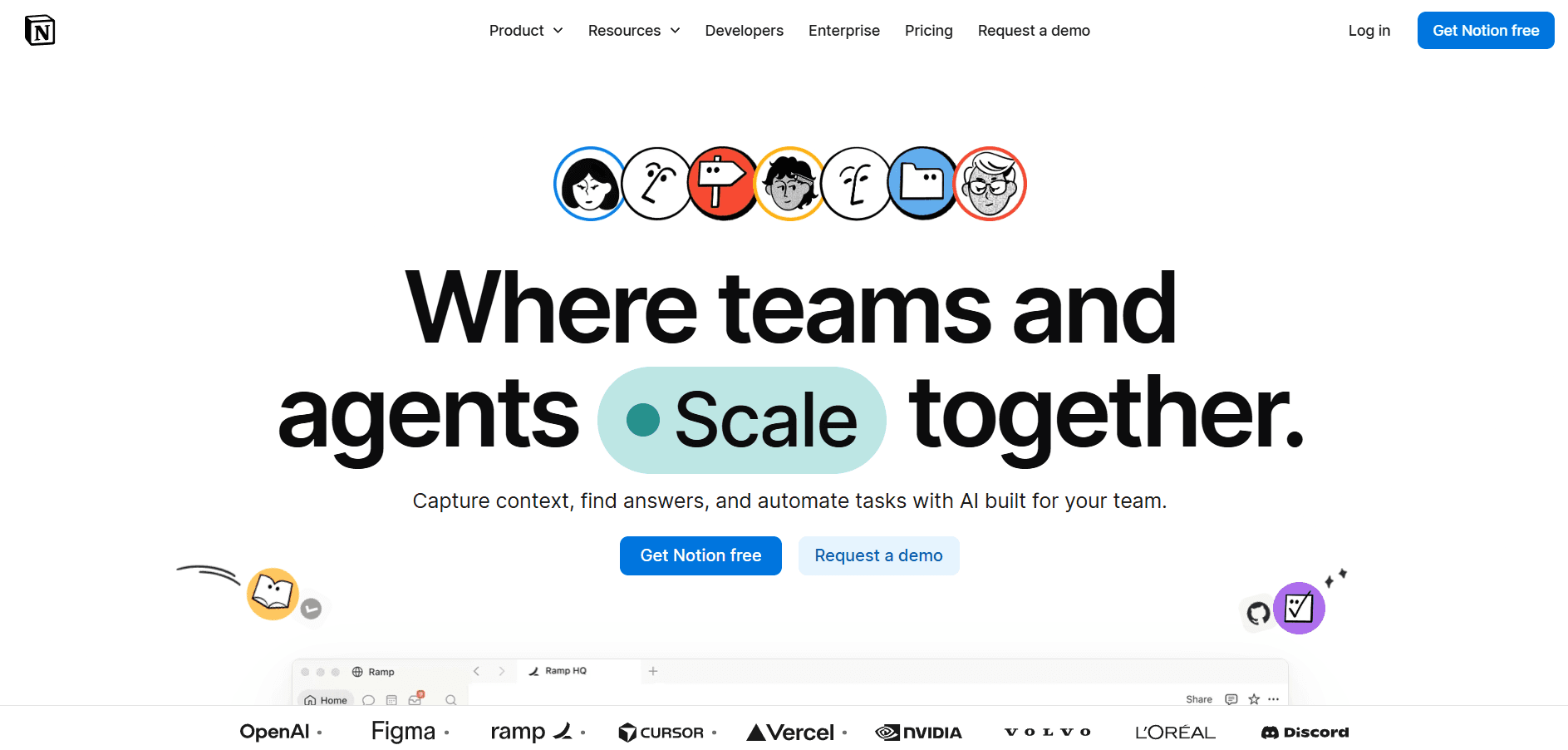
Notion is the best tool you can use to keep the entire pre-production process organized, and you don't have to pay to use it since they provide free options. With Notion, you can have one workspace for all of your project related, such as:
Brand briefs
Hook library
Script drafts
Content ideas
Shooting schedules
Deadlines
Reference videos
More than that, Notion currently offers free content calendar templates specifically designed to organize publishing schedules and content planning. Just because you can put everything into Notion doesn't mean the goal is to build a complex productivity system. Instead, using Notion can help you keep everything organized and ensure that good ideas don't simply slip away because you forgot them.
The Best Tool Is the One You Actually Use
It's easy to keep adding tools to your creator stack. A new AI script generator, another trend platform, another content planner. Soon, you spend more time organizing tools than creating content. You don't need that. For beginners, a simple five-step system is enough:
Research → Problems → Hooks → Scripts → Organization.

The camera comes last, and that's the point. Good UGC starts long before you press record. Masterhooks takes the same approach by treating research, hooks, and scripting as part of the creative process. Instead of collecting every tool available, focus on building a repeatable workflow that turns a blank page into content worth filming.
Have you tried one of the tools above and started your content creation journey?

Have you tried one of the tools above and started your content creation journey?
This is the most crucial step in starting your journey as a UGC creator:
Finding your niche for the future → Identifying trends → Determining an interesting angle → Designing a hook → Turning it into a script → Keeping track of what needs to be filmed
All of these steps can take longer than the actual shooting process itself.
The good news is, Masterhooks offers a variety of topics you can use as content in several articles that have already been published. Of course, this makes it easier for you to spot trends and learn what’s trending right now.
However, this article won’t focus on that. Instead, it’ll cover something simpler: the good news that developments in technology mean you, as a creator, no longer need a complex array of equipment. Here are five tools that can significantly streamline your pre-production process:
1. TikTok Creative Center
TikTok Creative Center is one of the first places a UGC creator should look before deciding what to make.
It gives you access to trending hashtags, songs, creators, videos, and high-performing TikTok ads. You can also filter trends by industry and time period. TikTok's Top Ads section lets you study high-performing creative and identify moments that appear to be driving engagement.
This makes the TikTok Creative Center an ideal platform for you to research trends and find creative inspiration, especially since it’s free to access. The most important aspect of this platform is how you use it to find ideas that align with your niche. Don’t search for ideas in a general way, as this will only overwhelm you with the sheer number of options available.
2. ChatGPT or Claude
ChatGPT and Claude can be useful when you have an idea but can't turn it into a script. These two tools are the best for coming up with hook ideas and drafting the initial version of a script, especially since you can still get great results even when using the free versions.
The key to getting the most out of these tools is to provide detailed context, so they don’t generate copy that sounds stiff and unnatural. You need to provide complete context regarding your target audience, the pain points you want to address, the features of the product you’re discussing, the format you prefer, your usual tone of voice, the actions you want your audience to take, and even the types of hooks you like.
For example:
"Give me 10 TikTok UGC hooks for an AI study app. The audience is college students who procrastinate. Make the hooks sound like something a student would say to a friend. Avoid mentioning the product in the first sentence."
Creator tip
Don’t publish the first draft generated by AI right away. Once you have an idea or a rough draft, you’ll need to make some tweaks to turn it into a final version that feels more human and sounds as natural as your own speaking style.
3. CapCut Script Generator
Most creators know CapCut only as a video editing tool, but not many realize that it also has an AI-powered ad script generator. All you need to do is enter basic information such as the product, brand, and key selling points.
This feature makes CapCut an ideal tool for turning a product summary into a preliminary script draft, and you don’t have to pay to access it. With this feature, you can generate several script options that you can edit before you start recording. CapCut states that this feature can generate five scripts based on your input and allows creators to customize the results as needed. This is especially useful if you already know what you want to sell but aren’t sure how to structure the video.
Here is an example of the data you can enter:
Input
Product: AI meeting note-taking app
Audience: Remote workers
Main benefit: Automatically summarizes meetings
Pain point: Spending 20 minutes writing notes after every call
You can use the scripts produced by CapCut as a starting point, to then change the ones you like most into UGC concepts that are more natural and suit your personality.
4. AnswerThePublic
Sometimes the best UGC hook isn't hiding in another TikTok, but hiding inside a question someone is already asking. To discover real customer problems, you can try to use AnswerThePublic.
AnswerThePublic turns search behavior into questions, phrases, comparisons, and related topics around a keyword. Its current platform pulls search insights from sources including Google, YouTube, Amazon, TikTok, and Instagram.
Imagine you're creating UGC for a productivity app, then searching with the keyword "productivity app." You might discover questions around:
How to stop procrastinating
How to organize tasks
How to focus while studying
How to manage too many projects
Each of these questions can become a content angle, where you can start your content with the problem the viewer already recognizes.
5. Notion
Once you start working with multiple brands, you don't just run out of ideas anymore, but are prone to losing track on them. That's where Notion becomes useful.
Notion is the best tool you can use to keep the entire pre-production process organized, and you don't have to pay to use it since they provide free options. With Notion, you can have one workspace for all of your project related, such as:
Brand briefs
Hook library
Script drafts
Content ideas
Shooting schedules
Deadlines
Reference videos
More than that, Notion currently offers free content calendar templates specifically designed to organize publishing schedules and content planning. Just because you can put everything into Notion doesn't mean the goal is to build a complex productivity system. Instead, using Notion can help you keep everything organized and ensure that good ideas don't simply slip away because you forgot them.
The Best Tool Is the One You Actually Use
It's easy to keep adding tools to your creator stack. A new AI script generator, another trend platform, another content planner. Soon, you spend more time organizing tools than creating content. You don't need that. For beginners, a simple five-step system is enough:
Research → Problems → Hooks → Scripts → Organization.
The camera comes last, and that's the point. Good UGC starts long before you press record. Masterhooks takes the same approach by treating research, hooks, and scripting as part of the creative process. Instead of collecting every tool available, focus on building a repeatable workflow that turns a blank page into content worth filming.
Have you tried one of the tools above and started your content creation journey?
Related Reading
Related Reading

How to Find the Right Influencer Marketing Agency for Your Brand (Without Wasting Budget)
6 min
|
How to Find the Right Influencer Marketing Agency for Your Brand (Without Wasting Budget)
Learn how to choose an influencer marketing agency using a practical scorecard, performance criteria, red flags, and pre-contract checks.
6 min
|

AI Video Ad Agencies: A Buyer's Guide for DTC Brands (2026)
4 min
|
AI Video Ad Agencies: A Buyer's Guide for DTC Brands (2026)
Compare AI video ad agency types, pricing, performance metrics, ownership rights, and seven questions DTC brands should ask before hiring.
4 min
|
How Taylor Swift Engineered a UGC Wave With 13 Seconds of Video and One Awards Show
4 min
|
How Taylor Swift Engineered a UGC Wave With 13 Seconds of Video and One Awards Show
How Taylor Swift turned a 13-second teaser, Easter eggs, and a live VMA premiere into a UGC engine brands can adapt for organic distribution.
4 min
|


Need help scaling?
Book a strategy call with our expert team to audit your current UGC setup.